Add VIN OCR to Your v0 App in 5 Minutes
v0 scaffolds your React UI. StructOCR reads the windshields. Here's the exact prompt and API call to wire them together — zero backend required.
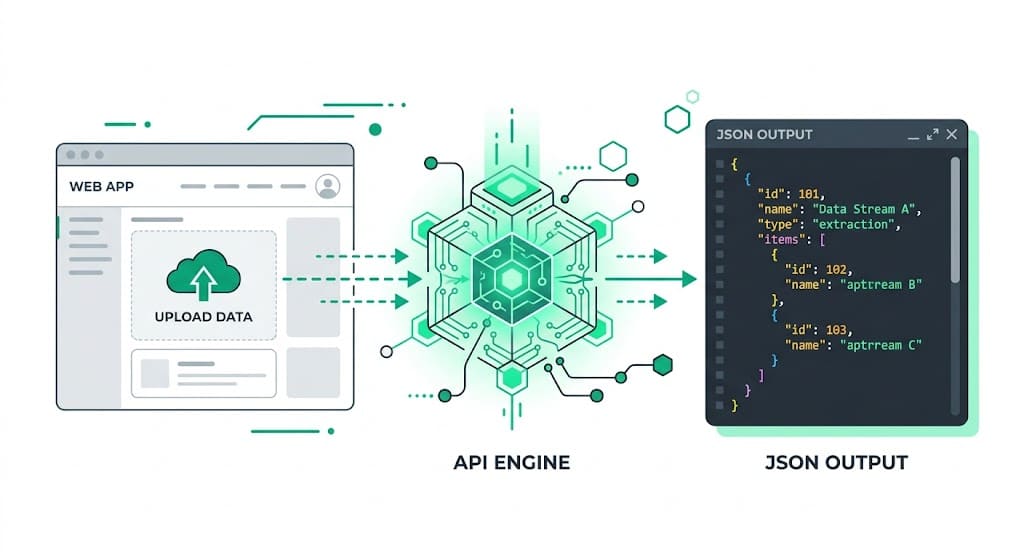
Why v0 + StructOCR is a natural fit for Automotive Apps
v0 generates beautiful, accessible React interfaces using Tailwind CSS and shadcn/ui directly from plain English. It handles the frontend components perfectly — but extracting a 17-character alphanumeric string through windshield glare is something you have to wire up yourself. StructOCR fills exactly that gap: one API call, structured JSON back. Tell v0 what you want, paste in the fetch code below, and your auto app is ready.
The problem: Standard AI can't read through windshield glare
Tools like v0 are remarkable at generating UIs instantly — but they stop at the file boundary. You can build a beautiful fleet management interface in minutes, yet the actual extraction of a 17-character VIN from a reflective windshield or a scuffed door sticker requires a dedicated VIN OCR API. Standard vision models routinely confuse '8' with 'B' or '0' with 'O', which breaks downstream database lookups.
The solution: 17-character precision, instantly
StructOCR's /v1/vin endpoint accepts a photo and returns a clean JSON object with the validated VIN — bypassing glare, shadows, and bad angles. Because it speaks plain HTTP, v0 can wire it up from a single fetch call.
Integrate StructOCR in v0 (3 Steps)
Create a v0 project and describe your app
Open v0.dev and start a new prompt. Describe the automotive tool you want to build — be specific about the scanning interface.
Try this prompt: "Build a mobile-friendly VIN scanner UI using shadcn. Users can upload a photo of a car dashboard or door jamb, and the app will display the extracted 17-character VIN and confidence score in a clean card."Tell v0 to call the StructOCR API
Once v0 scaffolds the UI, paste the follow-up prompt below. v0 will update the React code to handle the file upload and wire the API response to your UI components.
Follow-up prompt: "When a user uploads an image, send it as a multipart/form-data POST to https://api.structocr.com/v1/vin with an Authorization header containing my API key. Display the returned JSON fields in the results panel."// v0 generates something like this in your React component const response = await fetch('https://api.structocr.com/v1/vin', { method: 'POST', headers: { Authorization: `Bearer ${process.env.NEXT_PUBLIC_STRUCTOCR_KEY}` }, body: formData, });Add your StructOCR API key
When you export your v0 project to a Next.js codebase or deploy to Vercel, simply add your StructOCR key to your .env.local file or Vercel Environment Variables.
Variable name: NEXT_PUBLIC_STRUCTOCR_KEY — get your free key at structocr.com/dashboardNEXT_PUBLIC_STRUCTOCR_KEY=sk_live_xxxxxxxxxxxxxxxx
What you can build in v0 with this integration
- Dealership intake app: Let salespeople snap a photo of a car's dashboard to instantly populate trade-in appraisal forms without typing out 17 characters manually. A core feature of dealership automation.
- Fleet management tracker: Build a mobile app for drivers to scan their assigned vehicle's VIN at the start of a shift to log out the asset.
- Mobile mechanic diagnostics: Create a tool where mechanics scan a door jamb sticker to automatically fetch the vehicle's year, make, model, and engine specs.
- Auto insurance claims: Add an upload step to a self-service claims flow: extract the VIN automatically from the policyholder's photos to verify the insured vehicle.
The prompt and the code
Copy the follow-up prompt into your v0 chat to generate the integration. The code block shows what v0 typically produces — useful if you want to verify or customize it.
Prerequisite: A free StructOCR account — get your API key at structocr.com/dashboard (no credit card required)
I need to add VIN OCR to this app.

When a user uploads an image:
1. Send it as multipart/form-data to: POST https://api.structocr.com/v1/vin
2. Include the header: Authorization: Bearer ${process.env.NEXT_PUBLIC_STRUCTOCR_KEY}
3. The response is JSON with fields: data.vin, data.confidence, data.carrier_type
4. Display the extracted VIN in a large, clear font
5. Show a loading spinner while the request is in flight
6. Show an error message if the upload fails

Use the environment variable NEXT_PUBLIC_STRUCTOCR_KEY for the API key.
What the API returns
A lightweight, direct JSON response. Your v0 React components can bind this directly to the UI.
{
  "success": true,
  "data": {
    "vin": "1M8GDM9A6KP042788",
    "confidence": "High",
    "carrier_type": "windshield"
  }
}
Technical Specs
- Formats accepted: PNG, JPG, WEBP — optimized for mobile phone cameras
- Response time: typically under 1 second
- Condition handling: robust against windshield glare, shadows, and damaged door stickers
- Algorithm checks: built-in checksum validation to prevent 0/O and 8/B confusion
- Carrier detection: automatically identifies if the VIN is on a windshield, door jamb, or document
Key Features
- Format validation: automatically verifies the VIN against standard WMI and VDS checksum rules
- Context awareness: isolates the VIN even when surrounded by barcodes or other manufacturing text
- Edge computing ready: lightweight API payload designed for fast mobile app connectivity
- Multi-angle support: reads VINs skewed or taken from extreme angles through the glass
Live Demo: VIN Barcode Scanner
No registration required. Upload a file to test the extraction.
Drop files here or click to browse
JPG · PNG · PDF · TIFF · up to 500 files · max 4.5 MB each
Photograph the VIN plate at the bottom of the windshield or the label on the driver-side door jamb.
No document handy?
Frequently Asked Questions
Does StructOCR work inside a v0 app?
Where should I store the StructOCR API key in v0?
Can it read VINs through extreme windshield glare?
Does the API prevent confusing similar characters like 'B' and '8'?
How can I test the accuracy before building?
Is there a free tier to test with?
More Tutorials
Add Container OCR to Your v0 App in 5 Minutes
Step-by-step guide to integrating the StructOCR shipping container API into a v0 by Vercel app. Build logistics and yard management tools with zero backend.
Add Driver's License OCR to Your v0 App in 5 Minutes
Step-by-step guide to integrating the StructOCR Driver's License scanner API into a v0 by Vercel app. Build car rental and mobility onboarding flows with zero backend.
Add HIN OCR to Your v0 App in 5 Minutes
Step-by-step guide to integrating the StructOCR HIN (Hull Identification Number) scanner API into a v0 by Vercel app. Build marine and boat management tools with zero backend.
Add Invoice OCR to Your v0 App in 5 Minutes
Step-by-step guide to integrating the StructOCR invoice API into a v0 by Vercel app. Build accounts payable and expense tracking tools with zero backend.
Ready to Build with StructOCR?
Get your API key in under a minute. New users receive 200 free credits to test Passport, VIN, License Plate, Container, Receipt, HIN, Driver License, ID Card, Vehicle Registration, Weighbridge Ticket, ATM Cassette and Invoice OCR APIs.
✓ No credit card required · ✓ Instant API key · ✓ Full API access