Add Passport OCR to Your App using Cursor in 5 Minutes
Cursor's AI writes your boilerplate. StructOCR reads the MRZ lines. Here's the exact prompt to feed into Cursor's Composer to wire them together for instant travel onboarding.
Why Cursor + StructOCR is a natural fit for Travel Apps
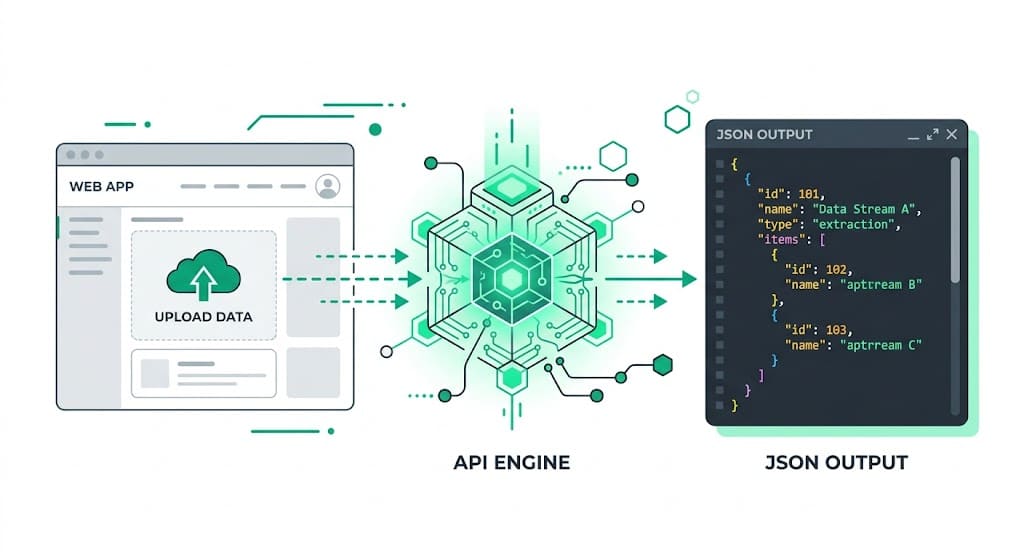
Cursor generates incredibly accurate full-stack code using advanced AI models right in your IDE. It handles your UI components, state management, and routing automatically — but securely extracting a passport number, nationality, and expiry date from a glossy data page is something the AI can't do natively. StructOCR fills exactly that gap: one API call, structured JSON back. Feed the prompt below into Cursor's Composer, and your booking flow will be ready in seconds.
The problem: AI coding assistants can't parse glossy travel documents
Tools like Cursor are remarkable at writing code — but they stop at the boundary of complex vision tasks. You can instruct Cursor to build a beautiful booking interface in minutes, yet the actual extraction of Machine Readable Zones (MRZ) and visual data from a highly reflective passport page requires a dedicated Passport OCR API. Standard vision models routinely fail on holograms, misread country codes, or output unformatted text blocks.
The solution: ICAO-compliant parsing, instantly
StructOCR's /v1/passport endpoint accepts a photo and returns a clean JSON object with the validated travel document fields. It automatically decodes the MRZ lines to cross-check the Visual Inspection Zone (VIZ) and validates the MRZ check digits on passport numbers and dates. Because it speaks plain HTTP, Cursor can easily generate the client or server-side fetch logic to wire it up.
Integrate StructOCR using Cursor (3 Steps)
Open your project in Cursor and use Composer
Open your travel or KYC project in Cursor. Hit
Cmd+I(orCtrl+I) to open the Composer. Describe the onboarding UI you want to build.Try this prompt: "Build a mobile-friendly hotel check-in UI component using Tailwind. Users can upload a photo of their passport data page, and the app will display the extracted full name, passport number, nationality, and expiry date in a clean card."Tell Cursor to call the StructOCR API
Once Cursor scaffolds the component, ask it to create a server-side API route that forwards Base64 image data to StructOCR and returns the response to your UI.
Follow-up prompt: "Create a server-side /api/passport-ocr route. It must accept a Base64 img string, POST JSON to https://api.structocr.com/v1/passport, and authenticate with the x-api-key header using process.env.STRUCTOCR_KEY."// Run this only in a server-side route const response = await fetch('https://api.structocr.com/v1/passport', { method: 'POST', headers: { 'Content-Type': 'application/json', 'x-api-key': process.env.STRUCTOCR_KEY, }, body: JSON.stringify({ img: base64Image }), });Add your StructOCR API key to your .env file
Open your local .env or .env.local file and add the StructOCR key as a server-only variable. Restart the development server after saving it.
Private variable name: STRUCTOCR_KEY — never prefix it with NEXT_PUBLIC_. Get your key at structocr.com/dashboardSTRUCTOCR_KEY=sk_live_xxxxxxxxxxxxxxxx
What you can build in Cursor with this integration
- Hotel & hospitality check-in: Let international guests snap a photo of their passport to instantly populate registration cards, speeding up front-desk operations. A perfect fit for travel automation.
- Airline booking portals: Build a mobile portal where passengers upload their passports during online check-in to automatically capture API (Advance Passenger Information) data.
- Global KYC onboarding: Create a secure onboarding flow for fintech apps that accepts passports from 150+ countries, extracting structured names and birth dates instantly.
- Visa application assistants: Add an upload step to a travel agency portal: extract passport details automatically to pre-fill complex international visa application forms.
The prompt and the code
Copy the follow-up prompt into Cursor's Composer (Cmd+I) to generate the integration. The code block shows the standard fetch logic Cursor will likely produce.
Prerequisite: A free StructOCR account — get your API key at structocr.com/dashboard (no credit card required)
I need to add Passport OCR to this application securely.

1. Create a server-side POST route at /api/passport-ocr.
2. The browser should convert the selected image to Base64 and send { img } to this route.
3. The server route must POST application/json to https://api.structocr.com/v1/passport with body { img }.
4. Authenticate upstream with the x-api-key header using process.env.STRUCTOCR_KEY. Never expose this key through NEXT_PUBLIC_ or client-side code.
5. Return the StructOCR JSON response and display data.passport_number, data.surname, data.given_names, data.nationality, and data.date_of_expiry.
6. Add loading, file-size, upstream error, and invalid-response handling.
What the API returns
A comprehensive JSON object containing the parsed passport fields. Cursor can easily type this interface for TypeScript projects.
{
  "success": true,
  "data": {
    "type": "passport",
    "country_code": "USA",
    "nationality": "UNITED STATES",
    "passport_number": "E12345678",
    "surname": "DOE",
    "given_names": "JOHN",
    "sex": "M",
    "date_of_birth": "1990-01-01",
    "place_of_birth": "NEW YORK, USA",
    "date_of_issue": "2020-01-01",
    "date_of_expiry": "2030-01-01",
    "place_of_issue": "PASSPORT AGENCY"
  }
}
Technical Specs
- Formats accepted: PNG, JPG, WEBP — optimized for smartphone and webcam photos
- Response time: typically 1–2 seconds per passport
- Condition handling: robust against glossy page glare, watermarks, and poor lighting
- Data Privacy: Images and results are kept for at most 24 hours for quality spot-checks, then deleted
- Global coverage: supports all ICAO Doc 9303 compliant passports globally
Key Features
- MRZ Cross-checking: automatically compares the extracted visual text against the machine-readable zone to ensure absolute accuracy
- Format validation: automatically verifies passport numbers and expiration dates against checksum rules
- Multi-angle support: reads passports held at skewed angles or taken in busy backgrounds
- Auto-cropping: automatically locates and crops the passport data page from the uploaded image
Live Demo: Passport scanner
No registration required. Upload a file to test the extraction.
Drop files here or click to browse
JPG · PNG · PDF · TIFF · up to 500 files · max 4.5 MB each
No document handy?
Frequently Asked Questions
Can Cursor generate the integration code for StructOCR?
Where should I store the API key when building with Cursor?
Does StructOCR store the passport photos?
Can it read passports with heavy glare over the photo?
How can I test the accuracy before writing code?
Is there a free tier to test with?
More Tutorials
Add Container OCR using Cursor in 5 Minutes
Step-by-step guide to integrating the StructOCR shipping container API using the Cursor AI code editor. Build logistics and yard management tools rapidly.
Add Driver's License OCR using Cursor in 5 Minutes
Step-by-step guide to integrating the StructOCR Driver's License scanner API using the Cursor AI code editor. Build car rental and mobility onboarding flows rapidly.
Add HIN OCR using Cursor in 5 Minutes
Step-by-step guide to integrating the StructOCR HIN (Hull Identification Number) scanner API using the Cursor AI code editor. Build marine and boat management tools rapidly.
Add Invoice OCR using Cursor in 5 Minutes
Step-by-step guide to integrating the StructOCR invoice API using the Cursor AI code editor. Build accounts payable and expense tracking tools rapidly.
Ready to Build with StructOCR?
Get your API key in under a minute. New users receive 200 free credits to test Passport, VIN, License Plate, Container, Receipt, HIN, Driver License, ID Card, Vehicle Registration, Weighbridge Ticket, ATM Cassette and Invoice OCR APIs.
✓ No credit card required · ✓ Instant API key · ✓ Full API access